

Download Mediator – Webpage Creator, Flash Animation Tool, Bootable CD Builder
Overview
Mediator is a versatile tool designed to simplify the creation of webpages, Flash animations, and bootable CDs through an intuitive, icon-based interface. Targeted at both beginners and experienced developers, the application streamlines multimedia content development by reducing complex coding requirements into visual, drag-and-drop interactions. Its primary purpose is to empower users to build interactive digital projects without deep technical knowledge, making it particularly valuable in educational, creative, and small-scale development environments.
The tool enables users to integrate text, images, videos, and interactive elements with minimal effort, supporting a wide range of real-world use cases—from creating simple educational websites to designing interactive presentations or distributing software via bootable media. Although the developer did not provide additional technical details, the app’s long-standing presence in the digital creation space suggests a stable and reliable framework. Given its release date in 2006, Mediator occupies a niche position in the app ecosystem as a legacy tool with enduring functionality.
Its continued relevance underscores its effectiveness in delivering accessible multimedia development solutions, especially for users seeking straightforward, no-code alternatives to traditional programming environments.
Key Features & Functionality
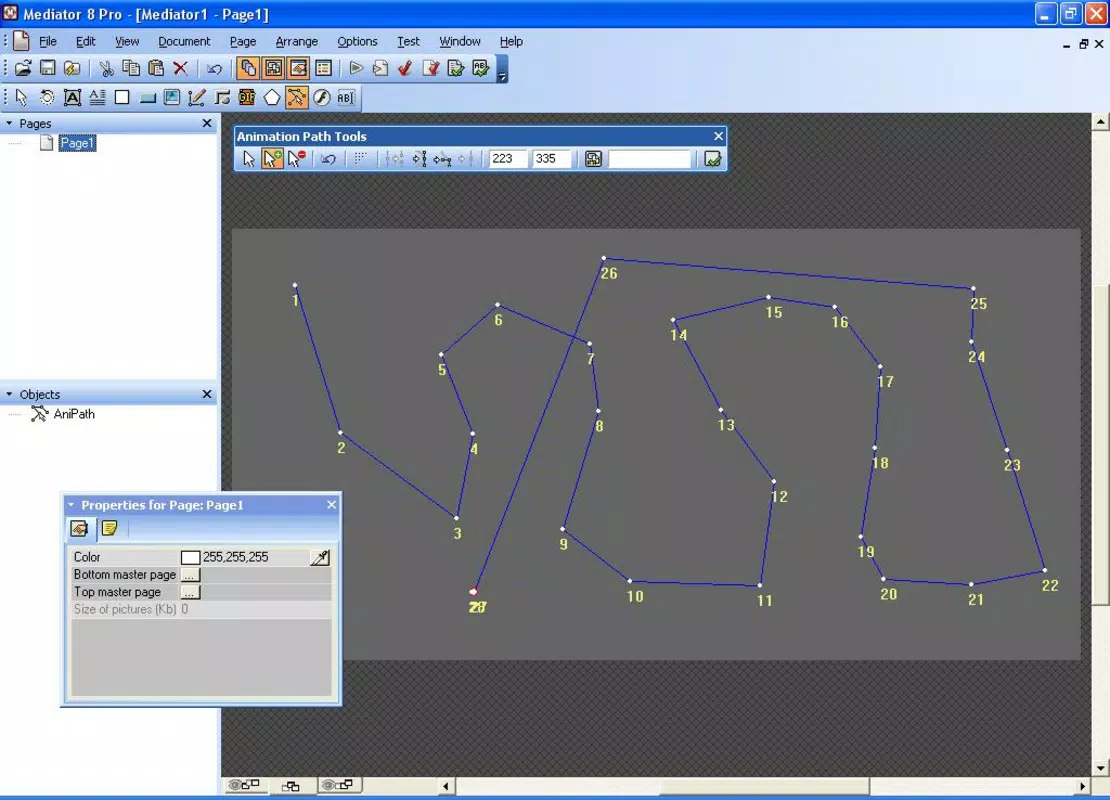
- Icon-Based Development: Mediator uses a visual, icon-driven interface where each symbol represents a specific project element—such as text, images, or videos—allowing users to construct projects through intuitive drag-and-drop actions. This approach significantly lowers the barrier to entry for non-technical users while maintaining flexibility for advanced creators.
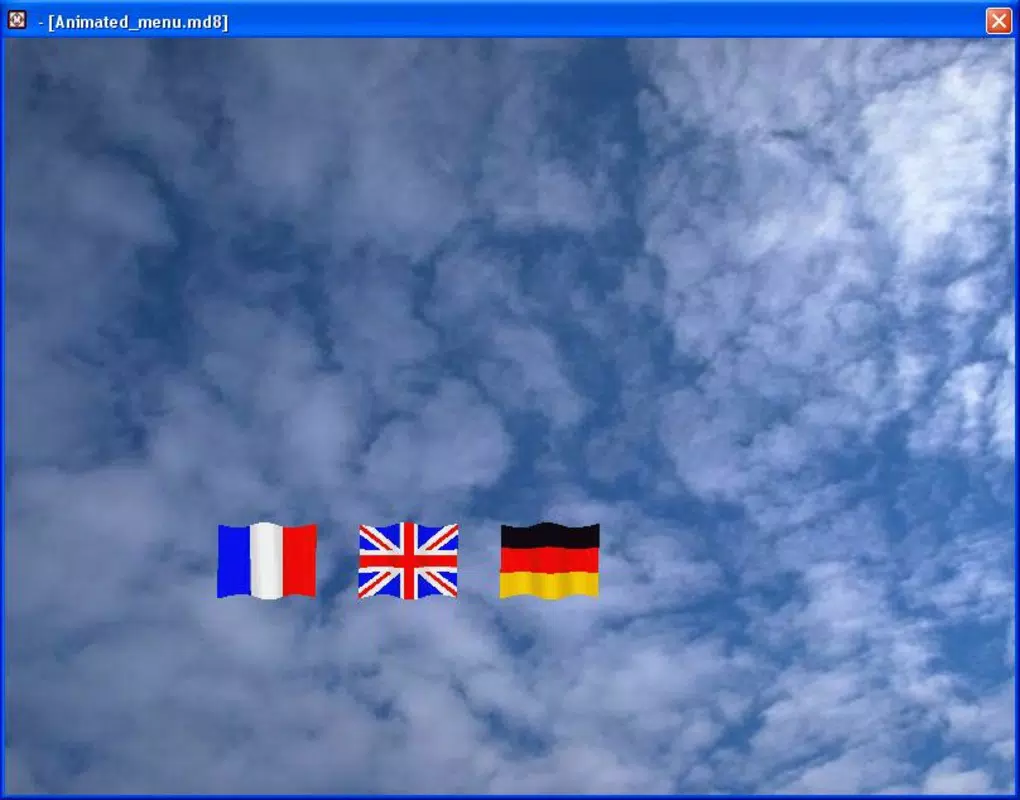
- Event Configuration: The tool supports detailed event handling, enabling users to assign multiple actions to interactive elements like buttons. For example, a single button can trigger a video playback on click and change color on hover, enhancing user engagement in web or animation projects.
- Flash Animation Creation: Users can create Flash animations by arranging visual elements and applying predefined animation effects. This feature allows for the production of dynamic, engaging content without requiring expertise in animation software or scripting.
- Multi-Project Support: Mediator facilitates the development of various project types, including interactive webpages, animated Flash content, and bootable CDs. This versatility makes it a one-stop solution for diverse digital creation needs, from educational materials to software distribution.
For instance, a teacher could use Mediator to build a lesson module with embedded videos, clickable quizzes, and animated diagrams—all without writing code. Similarly, a small business owner might create a promotional CD with interactive product demos and embedded web links. These practical applications highlight the tool’s adaptability across different user scenarios and industries.
Interface, UX & Performance
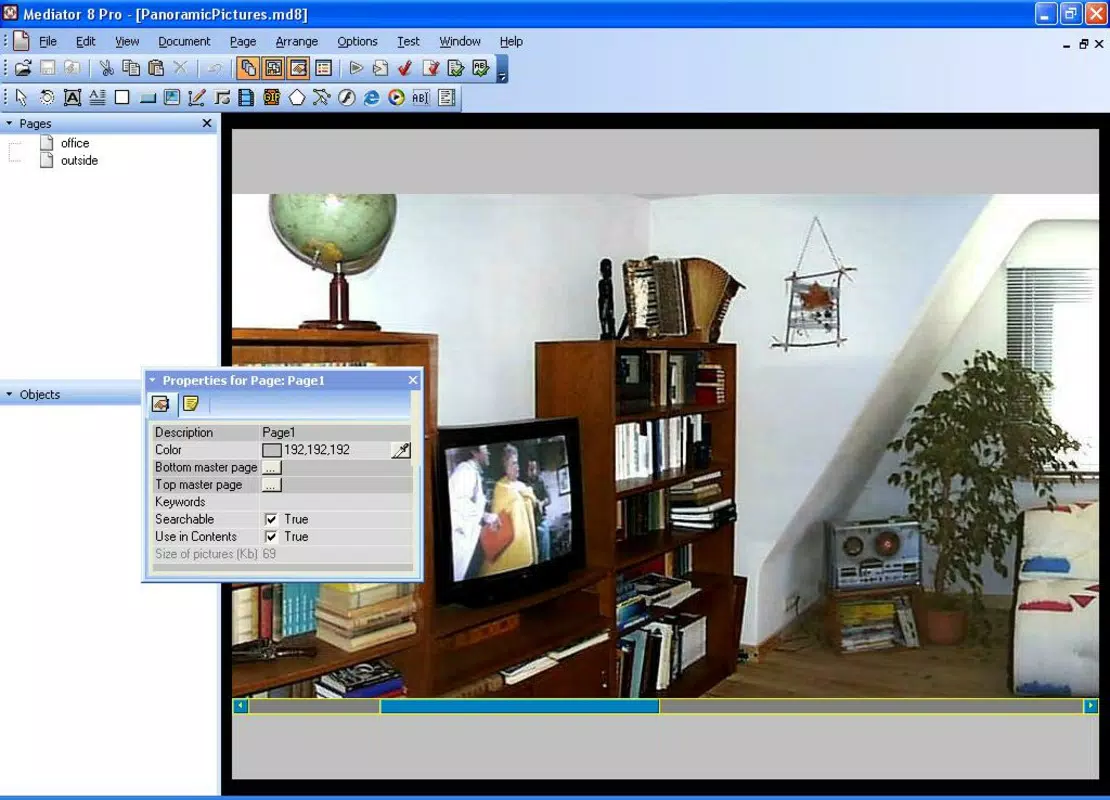
The user interface of Mediator centers around an icon-based layout, emphasizing visual clarity and ease of navigation. Elements are organized in a logical, hierarchical manner, allowing users to access tools and project components with minimal clicks. The visual style prioritizes functionality over ornamentation, ensuring that the focus remains on the content being created.
Navigation is consistent across project types, reducing the learning curve for new users. Although the developer did not list formal performance metrics, the interface appears optimized for responsiveness, with smooth transitions between editing states and minimal lag during element manipulation. Stability is implied by the app’s long-term availability, though specific details on crash rates or memory usage were not disclosed.
Performance on older or lower-end devices may vary, but no compatibility limitations were specified. Overall, the UX design reflects a commitment to usability, making it accessible to users with varying levels of technical proficiency. The tool’s ability to handle multiple media types within a single environment further enhances its practicality and efficiency in real-world workflows.
Platform Compatibility & Technical Requirements
Mediator is available for Windows-based systems, though specific OS versions were not listed. The application’s file size is not disclosed, which may affect installation on devices with limited storage. The developer did not specify minimum system requirements, such as RAM or processor specifications, nor did they provide information about supported hardware configurations.
Compatibility with modern operating systems, including recent versions of Windows, remains uncertain due to the app’s release date in 2006. Users are advised to exercise caution when installing on updated systems, as legacy software may face compatibility issues without compatibility mode or emulation. The absence of information regarding Android or iOS availability confirms that Mediator is not a mobile application.
For users seeking a cross-platform solution, alternative tools may be more suitable. Despite these limitations, the tool remains a viable option for those working on older Windows machines or requiring a no-code approach to multimedia development.
Pros and Cons
- Intuitive icon-based interface suitable for beginners
- Supports multiple project types: webpages, Flash animations, bootable CDs
- Enables interactive content creation without coding
- Streamlines multimedia integration through visual tools
- Long-standing presence in the development ecosystem
- Release date predates modern operating systems (2006)
- No official support for mobile platforms (Android, iOS)
- Specific system requirements were not disclosed
- May face compatibility issues on newer Windows versions
- No information on updates, security patches, or future development
FAQ
Is Mediator available for Android or iOS?
Mediator is not available for mobile platforms. The developer did not provide information on iOS or Android compatibility, and the app is confirmed to run only on Windows-based systems.
Can I create interactive webpages with Mediator?
Yes, Mediator allows users to create interactive webpages using its icon-based interface. Features such as event configuration enable clickable buttons, hover effects, and embedded media, supporting dynamic user experiences.
Does Mediator support Flash animation creation?
Yes, Mediator includes tools for creating Flash animations. Users can add visual elements and apply animation effects to produce animated content without requiring advanced animation software.
Is Mediator secure to download and install?
As a legacy application released in 2006, Mediator may not include modern security protocols. Users should download from trusted sources and consider running the software in a sandboxed or isolated environment to minimize risks.
Are there regular updates for Mediator?
The developer did not provide information about update frequency or future development. Given the app’s release date, it is likely no longer actively maintained.
Final Thoughts
Mediator stands out as a unique, no-code solution for multimedia content creation, offering a rare blend of simplicity and versatility. Its icon-based interface makes it accessible to users without programming experience, while its support for webpages, Flash animations, and bootable CDs provides a broad range of practical applications. While the tool’s age raises compatibility concerns, especially on modern systems, it remains a functional option for users working in legacy environments or seeking a straightforward alternative to complex development tools.
For educators, small developers, and creatives needing a lightweight, visual approach to digital project creation, Mediator delivers tangible value. Its enduring relevance, despite being over 15 years old, speaks to its solid foundational design. Download Mediator now to explore a legacy tool that continues to serve as a practical bridge between creativity and technology.


